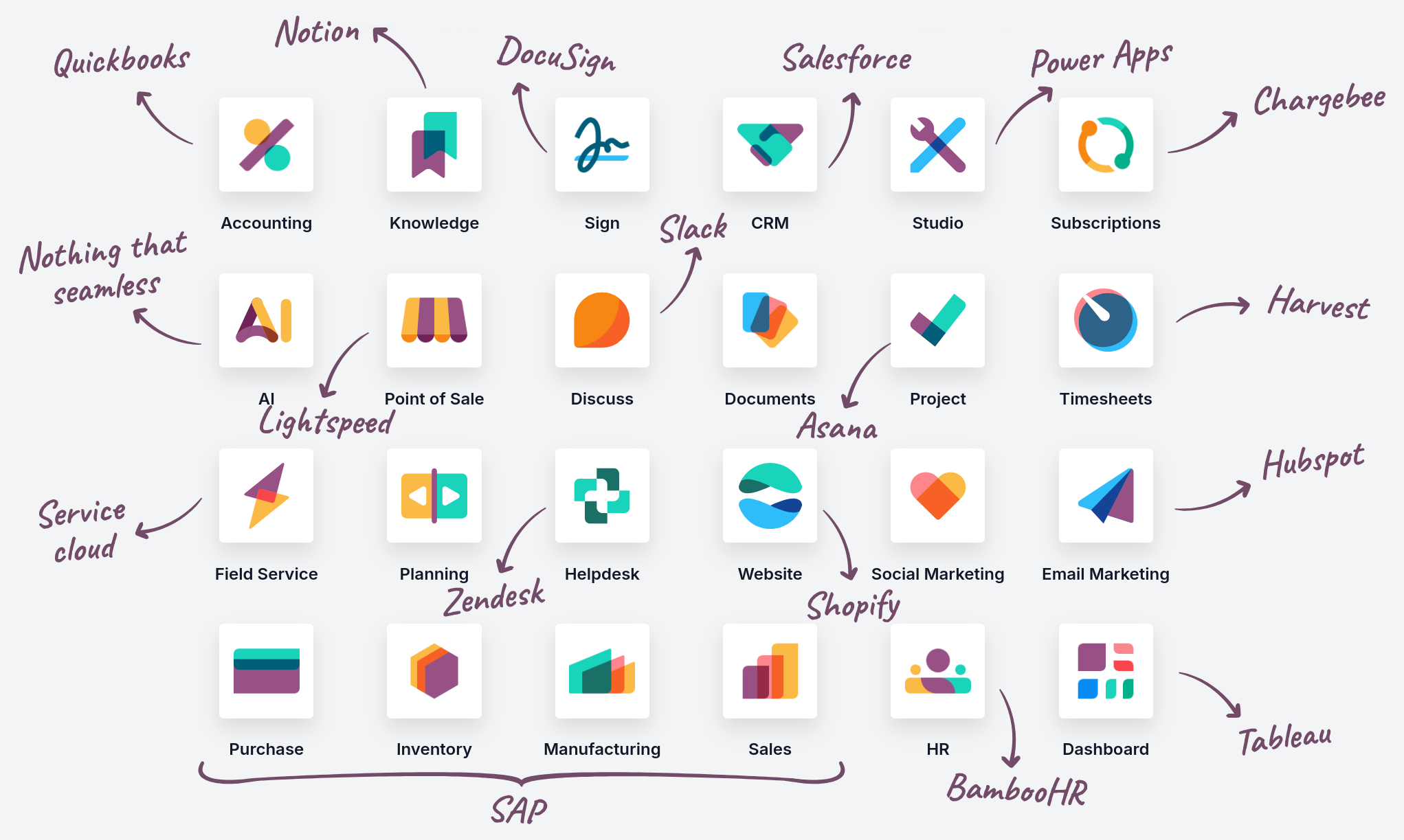
Sales and Customer Relations
CRM
Odoo CRM is designed to help sales teams track opportunities and provide accurate forecasts through a visual pipeline. It automates lead acquisition from various sources and uses a kanban view for managing sales stages, allowing salespeople to focus on the most promising deals with integrated scheduling and tracking.
Sales
This application simplifies the quote-to-order process, allowing users to create professional quotes in seconds. It includes integrated electronic signatures, online payment options, and automatic tax calculations, ensuring a smooth transition from quote to sales order and invoice.
Point of Sale
Odoo POS offers a friendly interface for shops and restaurants that works both online and offline on any device. It connects directly with inventory and accounting and supports features such as table management, loyalty programs, and integrations with various payment terminals.
Subscriptions
The application is intended for companies with recurring revenue, as it automates billing and manages service renewals. It provides clear analytics on monthly recurring revenue (MRR) and churn rate, allowing companies to focus on customer retention while the system handles payments.
Rental
This module offers a comprehensive solution for managing rental products, scheduling deliveries, and tracking returns. It features a Gantt chart for an overview of equipment availability and allows easy creation of rental agreements, including security deposits and late interest calculations.
Finance
Accounting
Odoo Accounting is a complete tool for financial management that automates bank synchronization, invoice processing, and expense tracking. It supports multi-currency operations, real-time reporting (P&L, balance sheet), and is localized for Slovenian legislation.
Invoicing
This application focuses specifically on creating and managing customer invoices and received supplier invoices. It simplifies payments via online portals and uses OCR technology with artificial intelligence for automatic digitalization of paper invoices, reducing manual data entry.
Expenses
Allows employees to easily submit business expenses via the web or mobile app by photographing the receipt. Managers can approve requests with one click, which automatically updates accounting records and prepares expense reimbursements.
Documents
Serves as a central hub for all company files, enabling paperless operations and automated workflows. Using tags and folders, it organizes documents and allows you to turn a scanned document into an invoice, HR record, or contract with one click.
Sign
Provides a fast and secure way to send, sign, and approve documents electronically. It eliminates the need for printing by allowing users to add signature fields to PDF files, with all signed documents being legally binding and securely stored.
Inventory and Production
Inventory
Odoo Inventory uses a double-entry system to ensure complete traceability from supplier to customer. It supports advanced features such as cross-docking, dropshipping, and multi-warehouse management, while replenishment rules take care of optimal stock levels.
Manufacturing
Coordinates all production activities, including work orders, bills of materials (BoM), and work scheduling. It seamlessly integrates with inventory and sales to trigger production orders based on demand, and provides data on efficiency and material consumption.
PLM
Manages product versions and engineering change orders (ECO) in a centralized system. It allows engineering teams to collaborate on design changes and ensures that production always uses the latest specifications and bills of materials.
Purchase
Automates procurement processes by managing requests for quotations and purchase orders. It allows companies to track supplier performance, manage goods receipts, and reconcile invoices with the actual quantity of material received.
Maintenance
Helps reduce equipment downtime by planning preventive and corrective maintenance. It allows teams to track equipment history, manage repair requests, and generate statistics to identify recurring issues.
Quality
Integrates quality control points directly into production and warehouse workflows. It allows for automatic triggering of checks during receipt or production, ensuring that all products meet standards before proceeding.
Human Resources
Employees
Acts as a central database for all personnel data, including contracts, job positions, and personal details. It serves as the foundation for other HR applications such as payroll, leaves, and appraisals, as it hosts key employee profiles.
Recruitment
Simplifies the process of finding new colleagues by managing job postings, tracking candidates, and scheduling interviews. It allows direct communication with candidates and conversion of selected individuals into employees with a single click.
Time Off
Simplifies the management of employee absences, as they can submit requests online, and managers can approve them in a shared calendar. The system automatically calculates remaining leave based on company rules and integrates with work planning.
Appraisals
Helps maintain a motivated workforce through regular performance reviews and feedback. It allows for the creation of customized surveys, scheduling periodic meetings, and tracking employee progress towards their goals.
Referrals
A gamified approach to recruitment, where employees share job openings on social networks and collect points for successful referrals. This encourages current colleagues to help find new talent within their personal networks.
Fleet
A tool for managing company vehicles that tracks everything from fuel consumption and maintenance logs to insurance policies and leasing agreements. It helps monitor the total cost of ownership for each vehicle and ensures the validity of documentation.
Marketing
Marketing Automation
Enables the creation of complex marketing campaigns that trigger automatically based on customer behavior. Users can design journeys that send emails, SMS, or trigger actions in the system to increase conversions.
Email Marketing
Offers a simple editor for creating attractive newsletters and promotional campaigns. It includes advanced audience segmentation tools and detailed analytics on open rates, clicks, and revenue generated.
Social Marketing
The application allows managing multiple social media profiles (Facebook, X/Twitter, LinkedIn) from a single dashboard. It provides tools for scheduling posts, monitoring brand mentions, and interacting directly with followers.
Events
A comprehensive platform for organizing online or live events, from ticket sales to badge production. It integrates with marketing for event promotion and allows real-time tracking of registrations.
Surveys
Allows easy creation of forms, quizzes, and surveys for feedback. With an intuitive interface and immediate analysis of results, it helps companies quickly understand the needs and opinions of their users.
Services and Productivity
Project
Helps teams organize and track tasks through kanban boards, Gantt charts, or calendars. It supports collaboration through shared documents and chat, while time tracking allows for comparison of planned and actual working hours.
Timesheets
A simple way to record working hours on specific tasks or projects via a browser or mobile app. Data is immediately available to managers for tracking progress and to accounting for accurate customer billing.
Field Service
Intended for field teams, as it allows task scheduling and provides technicians with all necessary information on mobile devices. It enables immediate recording of material used and time spent, and issuance of an invoice immediately after completion of work.
Helpdesk
A robust system for managing support requests via email, live chat, or web forms. It includes task assignment automation, service level agreement (SLA) tracking, and a knowledge base for faster problem resolution.
Planning
Allows coordinators to manage employee schedules and allocate resources across different projects or shifts. With a drag-and-drop interface, it makes preparing schedules easy, and employees have a clear overview of their upcoming work.
Appointments
Allows customers to book their own appointments or services through an online portal that synchronizes with your calendars. This eliminates time-consuming coordination via email and ensures real-time availability.
Discuss
Odoo's internal communication hub, which enables private messages, group channels, and video calls. It is integrated into all other applications, allowing users to discuss specific documents or tasks directly within the system.
Knowledge
A collaborative library for company documentation, procedures, and internal wikis. It allows teams to easily create, share, and search for information, ensuring that company knowledge is safely stored and accessible to everyone.
Studio
A low-code tool that allows users to customize the Odoo environment or build completely new applications without writing code. With drag-and-drop functionality, you can customize fields, reports, and automations to suit your company.